
Welcome to goodEar
ear training for beginners to pros
Professional musicians know, that having a good trained ear is one of the most important skills, a musician should have. goodEar was made to increase those skills and bring you on a new musical level!
It is made for all musicians, whether you are beginner or professional.
Currently it consists of four modes: intervals, chords, scales, multiple-intervals.

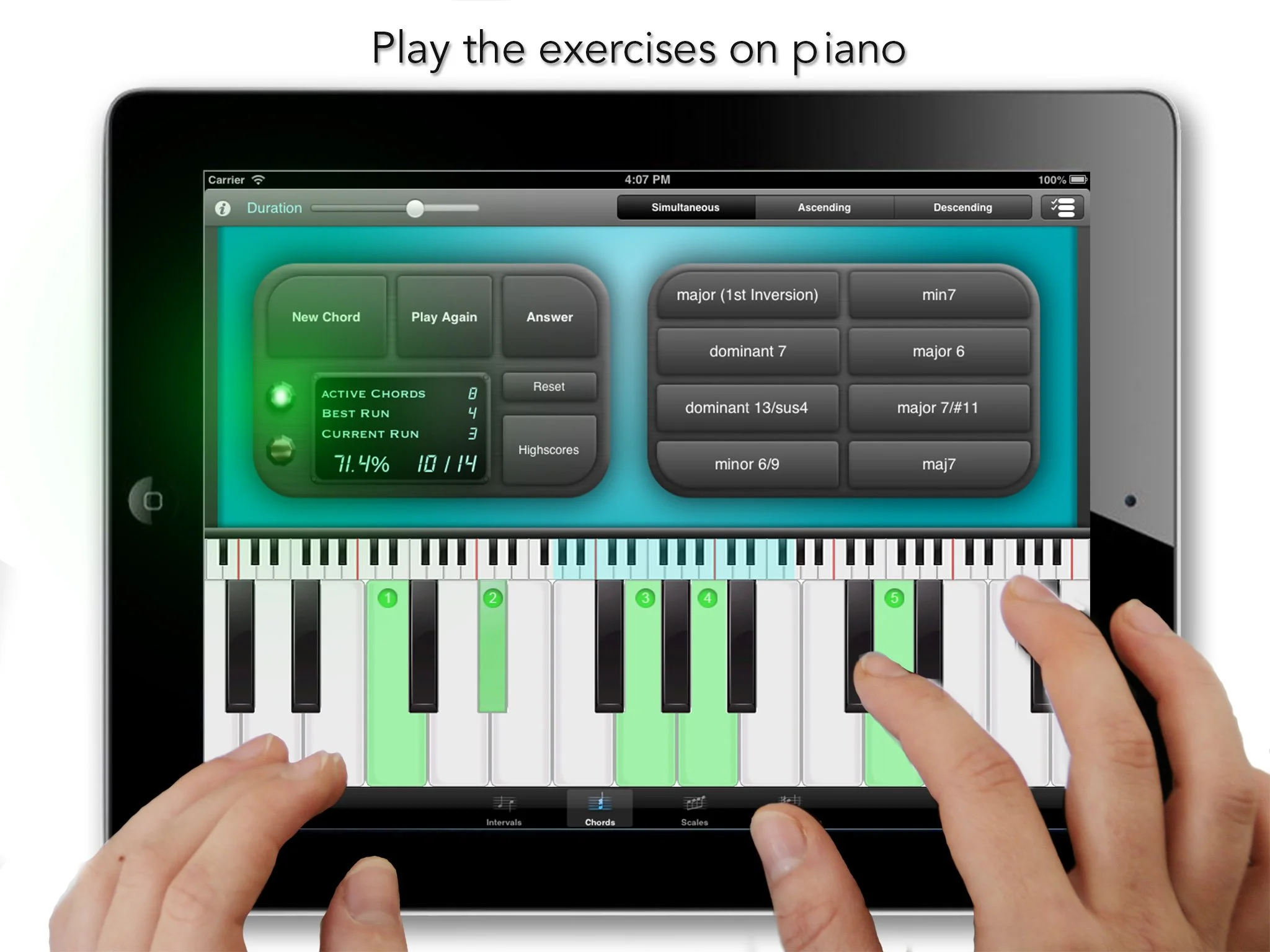
Play and answer the exercises on a piano
goodEar plays you an exercise and you provide the solution by playing on the piano or by tapping on one of up to eight answer buttons.
Depending on the mode, you have various choices how the exercises should be played: ascending/decending intervals, the tempo of a scale beeing played, whether the tones of a chord should be played separately or simultanously.

Difficulty of your exercises
Setup your training in detail. For example: for each interval within two octaves you can choose, whether it should be included in the training. Or select among all 4-tone chords or which of 20 altered/extended chords should be included in your exercises.

Challenge yourself
Keep an eye on your current score. goodEar remembers all your scores for each mode and difficulty level. Challenge yourself and improve your musical hearing skills more and more.

Get an overview of your highscores
Setup your training in detail. For example: for each interval within two octaves you can choose, whether it should be included in the training. Or select among all 4-tone chords or which of 20 altered/extended chords should be included in your exercises.
Was andere sagen
“Ich nutze Calypso schon fast zwei Jahre und bin ganz begeistert von diesem „Instrument“. Seitdem ich die Noten meiner diversen Band-Projekte per Calypso verwalte und bei den Gigs und Proben die jeweiligen Setlisten zusammenstellen kann, blicke ich endlich wieder durch bei meinen unzähligen Noten.”
— App Store (donart4)
“Klasse App, das wirklich funktioniert und endlich das Umblättern erspart. Zusätzlich kann ich mit Begleitmusik üben. So macht üben Spaß!!”
— App Store (ralphy30)